Materials
What reached the job?
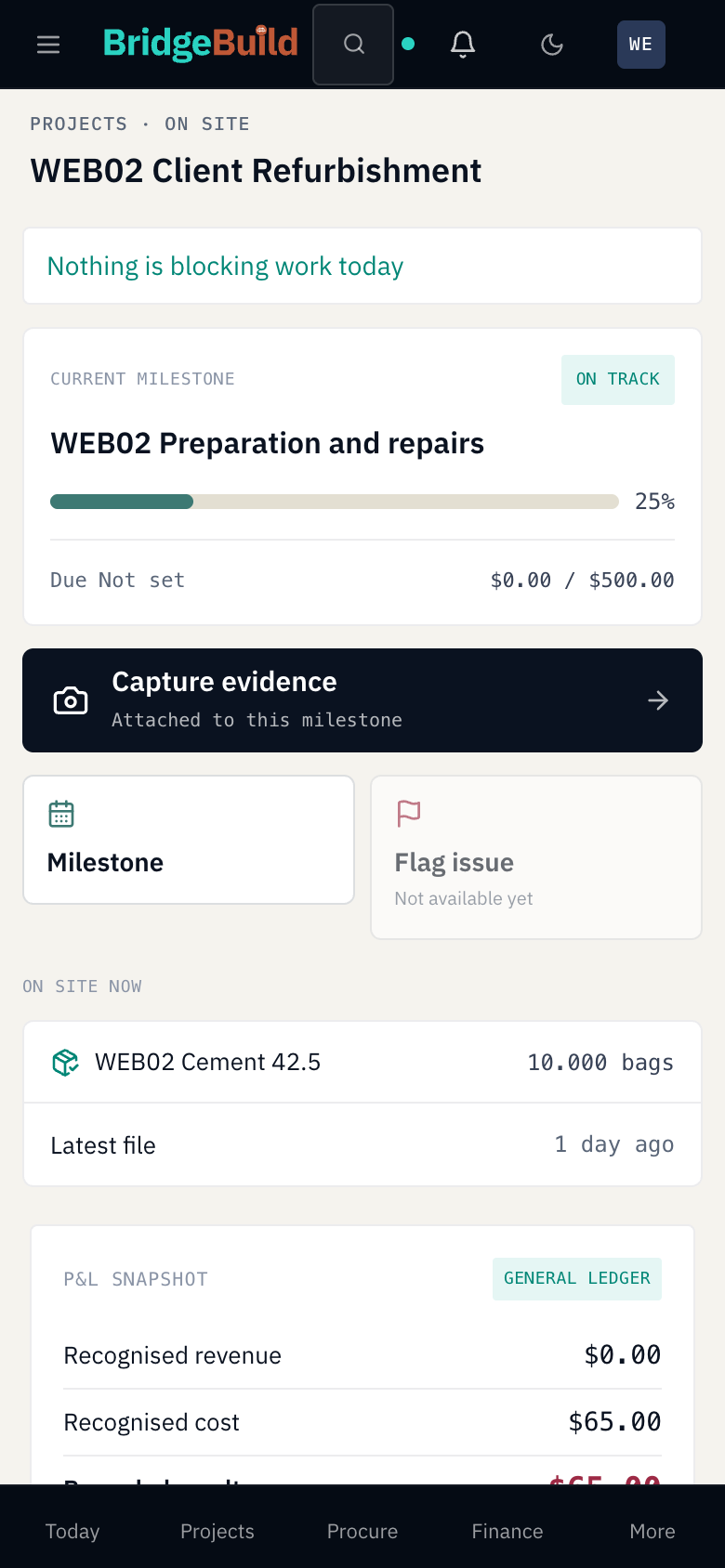
Follow deliveries into stock and allocations into a client project. The original Client Refurbishment record includes an issue of 10 cement bags.
BridgeBuild · For contractors
For contractors and refurbishment teams delivering a client’s job: BridgeBuild connects materials, recorded project costs and separately entered progress. Track the job without creating property units for sale.
From the store to the job record
At the end of a site day, your team needs to reconcile what was supplied, what cost was recorded and what progress was entered. One number cannot answer all three questions.
Materials
Follow deliveries into stock and allocations into a client project. The original Client Refurbishment record includes an issue of 10 cement bags.
Recorded costs
Review the saved cost of that material issue: USD 65 in this example. It is a partial project-cost record, not a total-job estimate or cash balance.
Progress and evidence
Read the separately entered milestone completion and attached evidence with their own context. Spending does not automatically advance progress.
Client Refurbishment · Saved demonstration
Fictional USD demonstration · 14 October 2026 · Responsive web. This is a saved partial example, not a typical full-job cost or a customer result.
The manager recorded receipts into stock. A permitted administrator allocated the 10 bags and reviewed the client job. The project’s USD 65 cost and the milestone’s USD 0 actual-cost field are separate records.
Posting an expense or completing a work order does not establish that the milestone bar advanced. The 25% is entered completion, not independently certified site progress.
The saved milestone includes an illustrative gallery upload. No capture time or location was supplied. An attached file does not verify when or where work happened, certify completion or prevent fraud.
Inspect the client-job tour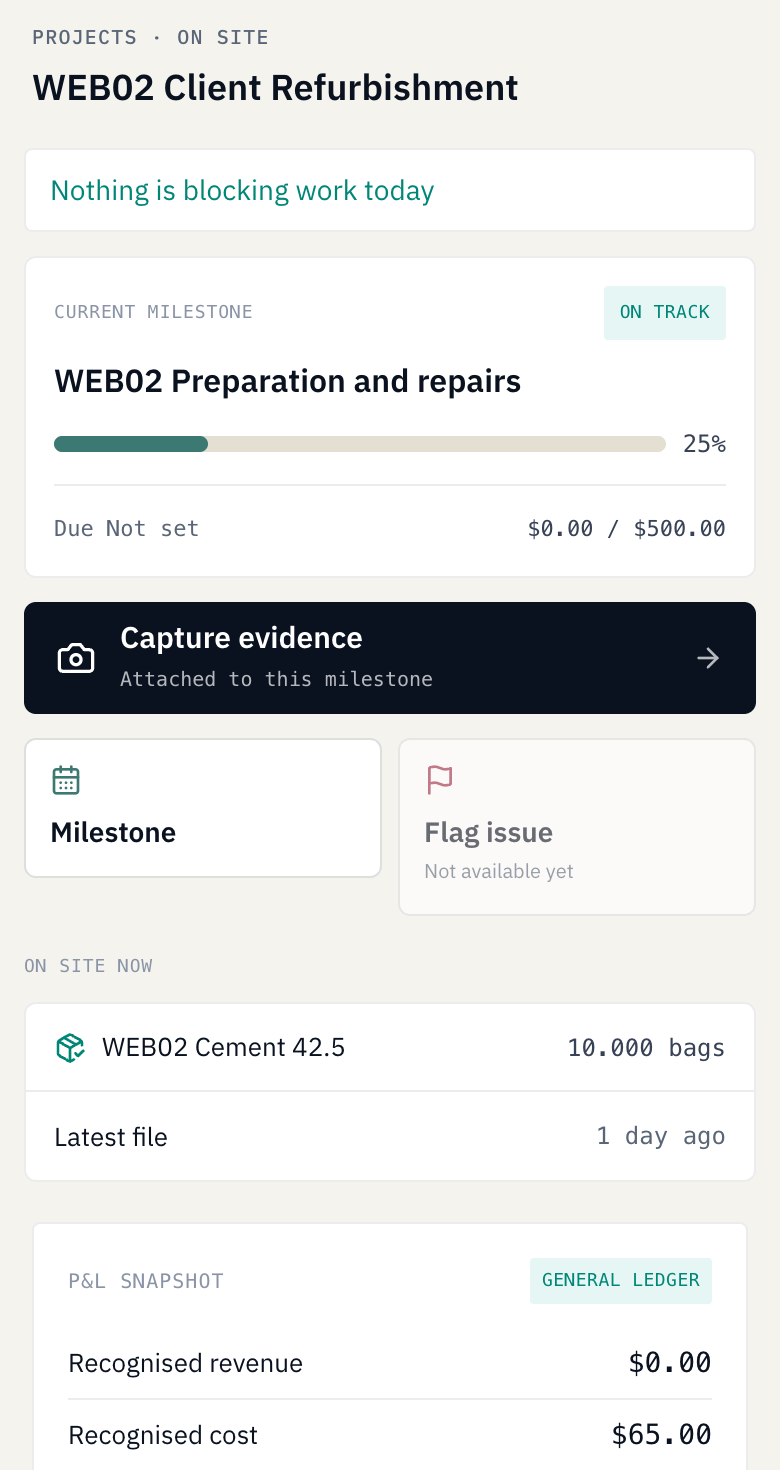 Enlarge view
Evaluate your own work
A contractor demo can focus on your existing job structure, material workflow, role fit and current progress recording. Describe who receives stock, who allocates it and who needs to review the result.
Discuss client access requirements and your proposal’s setup, data preparation, training, support, charges and limits. Company permissions apply; access must be assessed for your intended users.
Client-job tracking does not require units for sale. The published trial allowance still contains one property unit; this page does not introduce a different contractor package. Ask the team how your client job fits that scope.
Request a contractor demoYour client jobs
Yes. The accepted Client Refurbishment example is a tracked project with materials, cost and milestone records, with no sales units or releases. Discuss your construction or refurbishment job structure with the team.
No. The example’s USD 65 project cost, 25% entered milestone completion and USD 0 milestone actual-cost field are separate. A budget-use percentage would measure spending against budget, not physical construction progress.
In the demonstrated sequence, a manager recorded receipts and a permitted administrator issued material to the job and reviewed its cost. Company permissions and the configured warehouse and project determine access; the example does not prove every role can do every step.
It shows 25% completion entered in a saved milestone record. Its gallery attachment is illustrative and has no supplied capture time or location. Neither the percentage nor the file independently certifies work on site.
Access is subject to company permissions and must be assessed for each intended user. This example does not demonstrate a client or invited stakeholder view, so it makes no promise that a recipient can see these costs.
Tell the team about your current records, roles and job structure. For wider or continued paid use, a tailored proposal sets out setup, data preparation, training, support, charges and limits.
Choose Request a free trial to open the existing contact form with trial selected. The team arranges setup for the published allowance below; a demo is optional. Submission and receipt do not activate access or confirm trial dates.
A practical next step
Try BridgeBuild free for 30 days with one project and one property unit within it, plus up to three property listings on one company website.
Listings are separate adverts, not extra managed units or extra websites. Request through our contact form; the team arranges setup. A demo is optional. A receipt confirms your request, not activation or the start of your trial.
For wider or continued paid use, request a tailored quote. Your proposal specifies setup, data preparation, training, support, charges and limits.
Pricing and onboardinghi@bridgebuild.app